Find things again
Search and revisit the things you meant to come back to.
 CrumbJoin the beta
 A little less lost. A little more found.
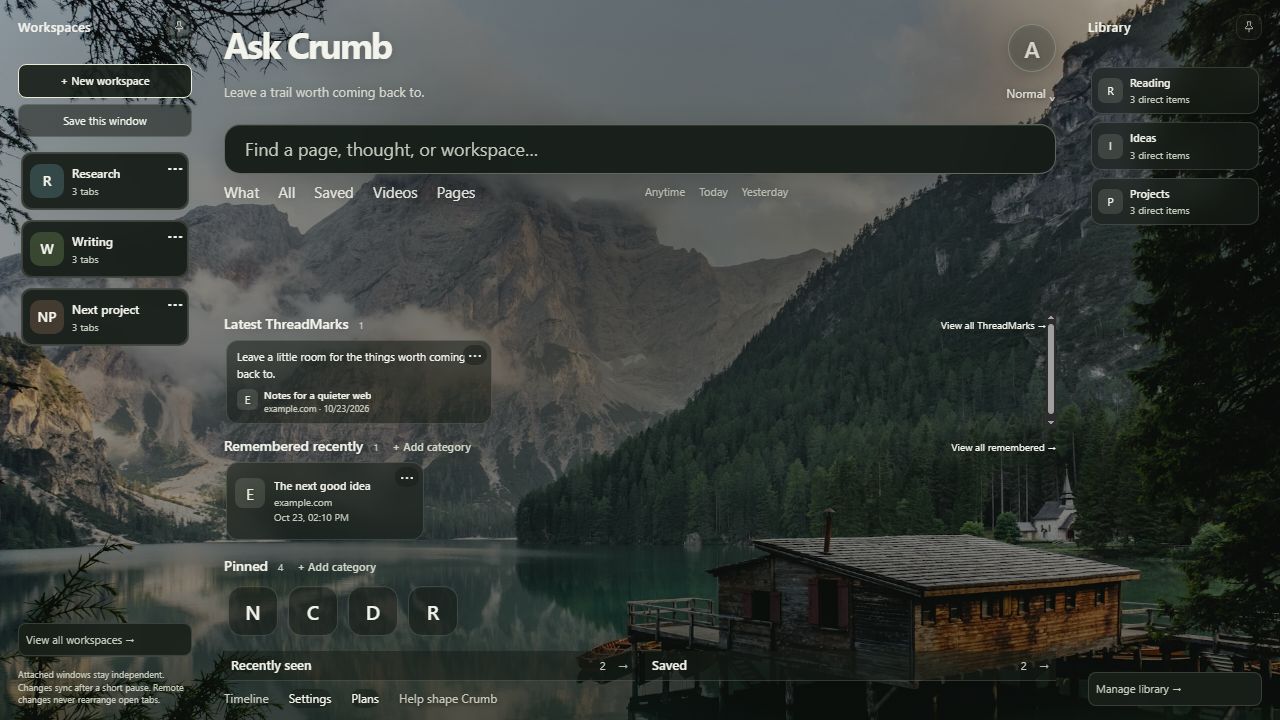
Crumb keeps the useful parts of your browsing together — pages, workspaces, remembered links and context — across browsers.
The problem
Search and revisit the things you meant to come back to.
Pages, projects and ideas. A little more connected.
Your selected memory, wherever you browse.
What Crumb does
Find saved and remembered pages from one place.
Keep groups of tabs and active projects together.
Close something without losing the thought.
Organize useful pages into collections and subfolders.
Save the exact part of a page that mattered.
Keep selected memory in sync across your browsers.
Not tied to one browser
Your pages, workspaces and context can stay with you across the desktop browsers you use.
Chrome, Edge, Vivaldi & Firefox tested in beta.
Opera & Brave: Chromium builds; browser testing ongoing.
Safari coming soon. No mobile release yet.
A little room to think
Everything.
Only what matters right now.
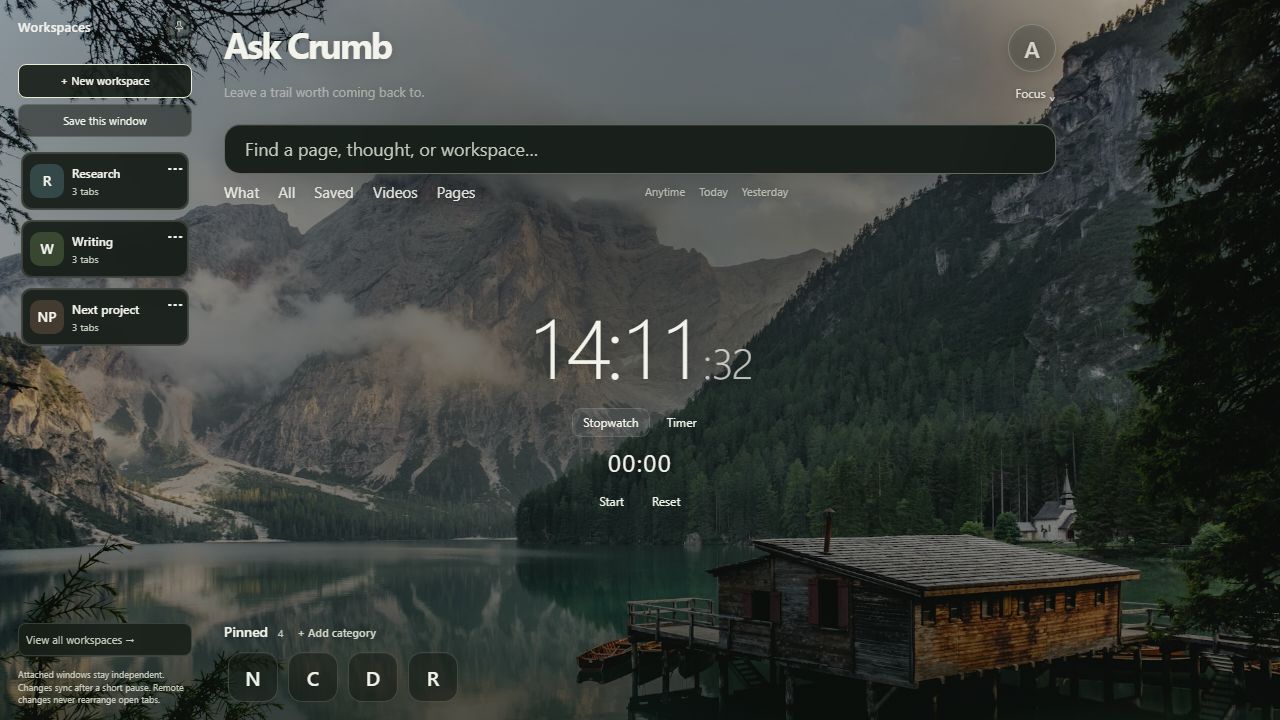
Almost nothing.

Coming later.
The mini Crumb wiki
A quick guide to the essentials.
No rabbit holes required.
Crumb is a local-first browser extension for the useful parts of your web: pages, working contexts and ideas you want to find again. Search comes first; collections keep things organized.
Save keeps a page in your library. Remember keeps something handy for later, including pages you close with Close & remember. Pin gives an everyday page a shortcut on your Crumb home.
A saved browser working context: an ordered set of tabs you can name, update and restore. Sync shares the saved context; it doesn’t rearrange another browser’s open tabs.
A home for saved content and collections. Items can belong to more than one collection, and collections can have subfolders. Search still works across your content.
A piece of selected text saved with its source, so you can return to the exact thought that caught your attention.
Yes. Account sync can share selected memory across desktop installations. Chrome, Edge, Vivaldi and Firefox have been tested in the development beta. Opera and Brave use Chromium builds; dedicated testing is ongoing. Safari is coming soon.
Crumb stores memory locally first. When you enable account sync, selected supported records are sent to the Crumb service for your account. Private Space records are excluded from sync; Private Space is not a claim of encrypted storage. Incognito/private browsing capture is not supported. See the preliminary privacy note below.
Yes. Settings → Data & recovery provides local backup/export and recovery tools. Keep your backup somewhere safe; it can contain personal browsing content.
Chrome, Edge, Vivaldi and Firefox are our tested beta browsers. Opera and Brave are Chromium compatibility targets with testing ongoing. Safari is planned. Beta access is by invitation, not a public store download yet.
There’s no mobile version to announce yet. This site works on your phone; Crumb itself is currently a desktop browser extension.
Beta access
We’re inviting a small group of early testers to help shape Crumb before public release.
A spot to help shape it. Not another newsletter.Crumb is local-first. Account sync is optional and sends selected supported memory records to the Crumb service, stored per account. Private Space content is excluded from sync; it is not a promise of encrypted or anonymous browsing. Cloudflare operates hosting/storage; Clerk handles extension account authentication. The landing page itself has no login, analytics suite or advertising trackers.
Beta signup stores your email, optional name and browser, signup time and invitation status separately from account memory in Cloudflare D1. We use it to communicate about beta access and testing, and do not sell this data. Basic abuse protection uses an hour-scoped network-address digest, pruned after expiry; raw addresses are not stored in the signup tables. Hosting providers may process normal network request information.
For beta questions, withdrawal or deletion requests, contact dreambelievemake@gmail.com. This is a preliminary beta notice, not a claim that all production privacy and security reviews are complete. Updated 23 October 2026.
Crumb is early beta software provided for testing. Features and availability may change. An interest-list signup does not create an account or guarantee an invitation. Keep backups of important data. Use Crumb lawfully and only save content you have permission to use.
No payment is collected by this page. These preliminary notes will be reviewed before public release. For beta questions, withdrawal or deletion requests, contact dreambelievemake@gmail.com.